If you use Google Calendar, you have probably noticed that public holidays show up as small labels at the top of each day. They are easy to miss and even easier to schedule over.
Google Calendar displays holidays, but it does not block them. That means your coworkers, clients, and scheduling tools still see those days as available. The result? Meetings booked on Christmas, calls scheduled during national holidays, and awkward cancellation emails.
There is a better way.
The Problem: Holidays That Don't Actually Block Your Calendar
Google Calendar has a built-in holidays feature. You can enable holiday calendars for your country, and they will appear as all-day labels on the relevant dates.
But here is the catch: these holiday labels do not affect your availability. When someone checks your free/busy status or sends you a meeting invite, Google treats those days as completely open. The holiday label is decorative, not functional.
For individuals, this means manually creating "Out of Office" events for every single holiday. For teams spread across multiple countries, it becomes a real headache. Your colleague in the United States has different holidays than your teammate in the United Kingdom or India. Keeping track of who is off when, and making sure calendars actually reflect that, is a full-time job.
Manual Approaches and Why They Fall Short
Most people try one of these workarounds:
Creating individual calendar events. You go through each holiday, create an all-day event, and mark yourself as busy. This works for one person in one country, but it is tedious. You need to do it every year, and you will inevitably miss a few.
Using shared "holidays" calendars. Some teams create a shared Google Calendar with holidays manually entered. This requires someone to maintain it, and it does not scale when team members are in different countries with different holiday schedules.
Relying on memory. The riskiest approach. You just try to remember which days are holidays. This fails spectacularly when working across time zones and cultures.
None of these approaches are automatic. None of them update when holiday dates change. And none of them work well for teams with members in multiple countries.
How Autolidays Solves This Automatically
Autolidays was built specifically to solve this problem. It automatically blocks public holidays in your Google Calendar so they actually show up as busy time. No manual entry, no maintenance, no missed holidays.
Here is how it works:
Step 1: Pick Your Countries
Choose from over 100 countries. If you are an individual, select the countries whose holidays you observe. If you are on a team, each member picks their own countries. Someone in the US picks United States holidays, while a colleague in London picks United Kingdom holidays.
Step 2: Connect Your Google Calendar
Sign in with your Google account. Autolidays uses secure OAuth authentication. No passwords are stored, and no calendar data is read beyond what is needed to add holiday events.
Step 3: Holidays Appear as Blocked Time
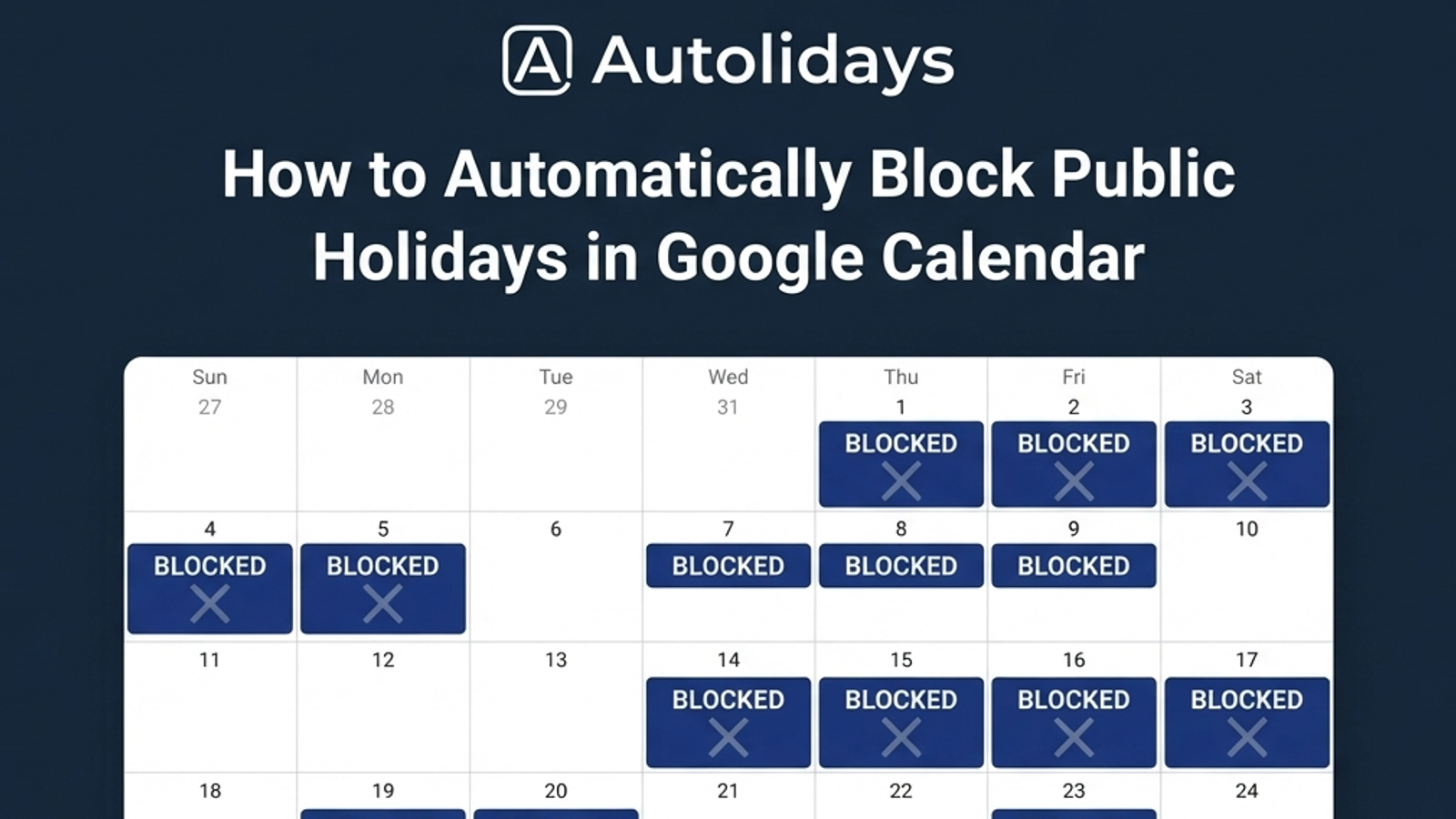
That is it. Public holidays for your selected countries automatically appear as blocked all-day events in your Google Calendar. When someone checks your availability, those days show as busy. When scheduling tools look for open slots, holidays are excluded.
The holidays update automatically each year. If a government moves a holiday or a new one is added, your calendar updates without you lifting a finger.
Benefits for Individuals
Never double-book yourself on a holiday. Your calendar accurately reflects days you are off, so meeting requests route around them.
Save time on calendar maintenance. Stop creating manual "Out of Office" events for every public holiday each January.
Plan around holidays automatically. When you glance at your week or month view, holidays are clearly blocked, making it easy to plan deadlines and deliverables around them.
Benefits for Teams
Respect everyone's holidays. In a global team, it is easy to accidentally schedule a meeting on a holiday that only affects some team members. With Autolidays, each person's holidays are visible and blocked.
Reduce scheduling friction. No more back-and-forth messages asking "Are you off on Monday?" Calendar availability tells the whole story.
One setup, no maintenance. Team admins do not need to maintain country-specific holiday calendars. Each team member configures their own countries, and everything stays in sync.
Get Started in Under a Minute
Setting up Autolidays takes less than 60 seconds. Pick your countries, connect Google Calendar, and you are done. You can preview how it works with one free holiday sync before upgrading.
Try Autolidays free and never schedule over a public holiday again.