
Set up Autolidays for yourself
Pick your country, connect Google Calendar and get your public holidays blocked automatically.
Updated November 15, 2026
Autolidays adds your country's public holidays to your Google Calendar and keeps them up to date. Setup takes about a minute and you only do it once.
1
Choose your country
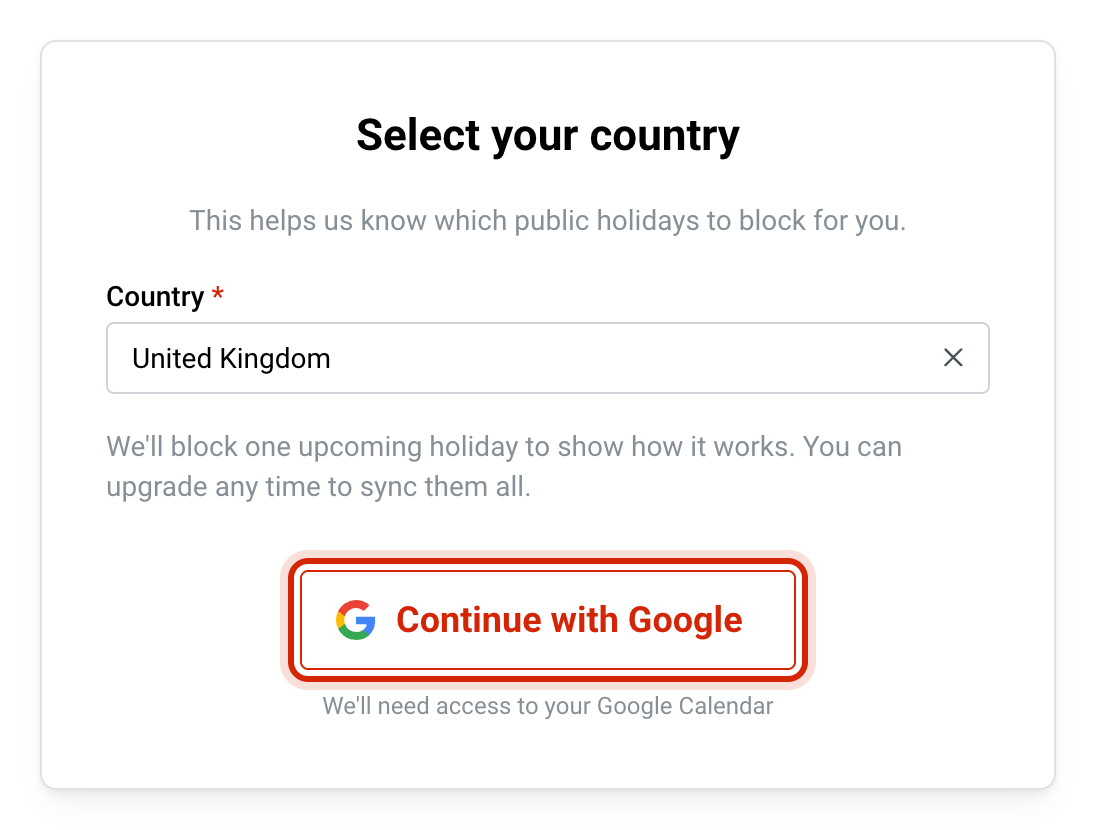
Go to Get Started and pick the country whose public holidays you want blocked. If you came from a holidays page, your country is already selected.
2
Connect Google Calendar
Sign in with Google and allow calendar access when Google asks. Autolidays needs it to create holiday events in your primary calendar.
3
See your next holiday blocked
You land on your dashboard, where your next public holiday is already in your calendar so you can see how it looks.
4
Upgrade to sync every holiday
Subscribe to block all your public holidays for the next 12 months. Autolidays keeps adding new ones as the year rolls on.
What Autolidays can see in your calendar
Google shows a permission screen when you connect. Autolidays asks for permission to create and edit calendar events and to read your calendar settings, which it uses to find your time zone.
It only works with the events it creates itself. Each holiday event carries a private marker, and Autolidays only ever looks up events with that marker. It does not read, copy or store your other meetings.
If you skip the calendar permission, you'll see a Calendar Access Required page with a button to sign in again and grant it.
Preview mode
Before you subscribe, Autolidays runs in preview mode. It blocks your next upcoming holiday so you can see the event in your calendar, and the rest of the year's holidays show as Locked on your dashboard. No credit card is needed for the preview.
Once you subscribe, every public holiday for the next 12 months is blocked, and a daily check adds new holidays as they come into range.
States and regions
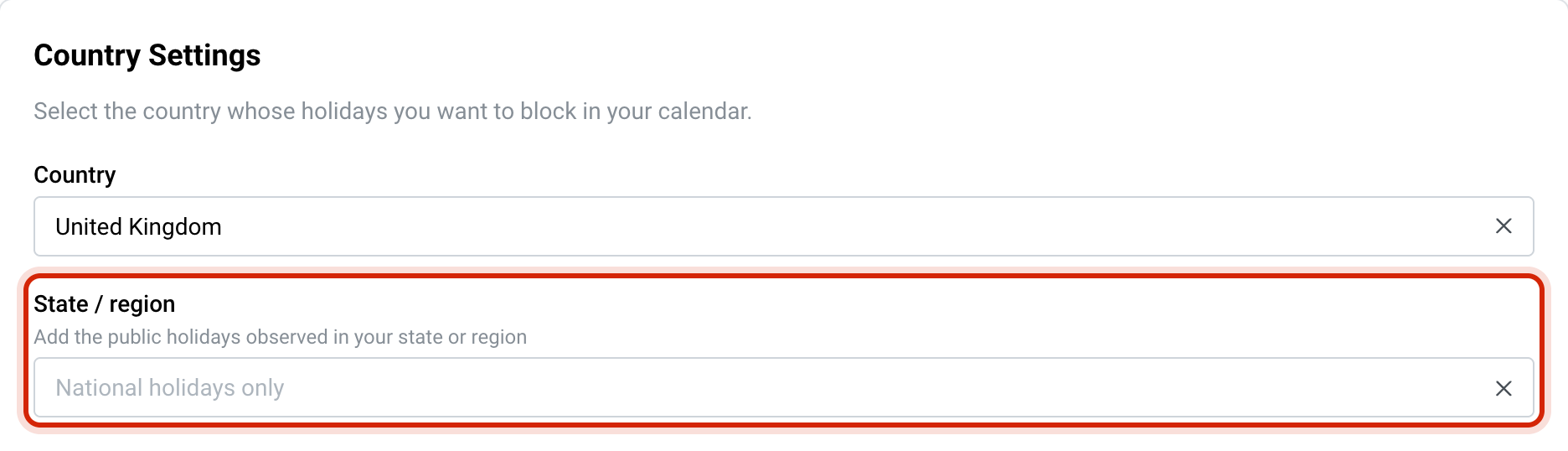
Some countries also have regional holidays. For Australia, Brazil, Canada, France, Germany, Malaysia, New Zealand, Spain, Switzerland and the United Kingdom you can pick a State / region under Settings › General to add the holidays observed there. Leave it empty for national holidays only.
Changing your country later
Go to Settings › General and choose a new country. Autolidays removes the upcoming holiday events from your old country and adds the holidays for the new one. Past events stay as they are.
Next steps
- Choose how holidays appear: out of office, an all-day event, or a working hours block.
- Add religious and cultural holidays you observe.
Common questions
Related articles
Choose whether holidays go into Google Calendar as Out of office, all-day or working hours events.
Add religious and cultural holidays to Google CalendarBlock Jewish, Islamic, Christian, Orthodox and lunar calendar holidays you observe, on top of your public holidays.